Usage
Channel Vault NAS has one archive path, from source to verified media:
flowchart LR
  A[Add a channel] --> B[Check channel]
  B --> C[Register channel]
  C --> D[Choose a schedule and start]
  D --> E[Read status or open Saved videos]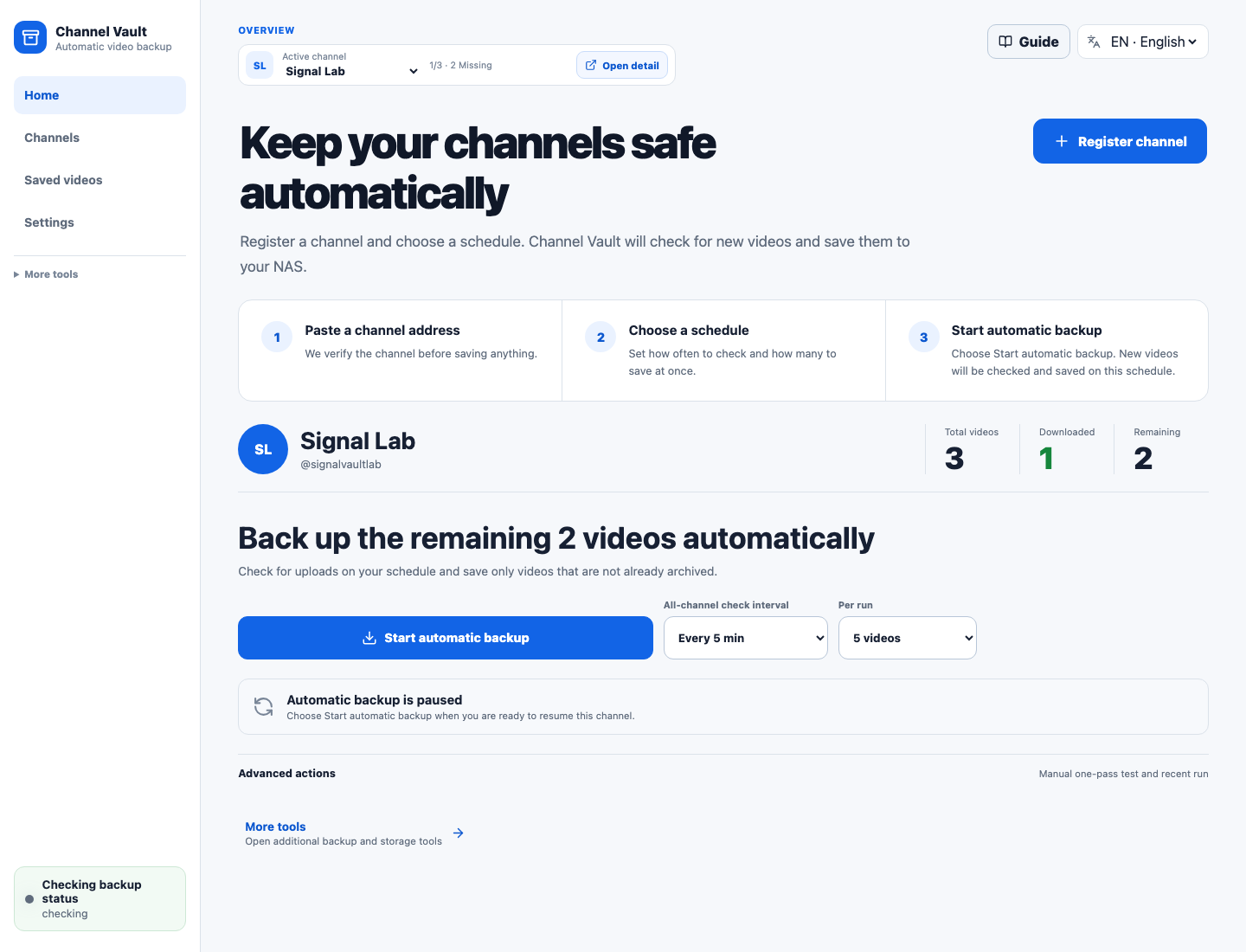
Start here
-
Channel backup
The click-by-click walkthrough: paste a channel, check it, register it, then choose interval and per-run count and start automatic backup.
-
Enable real downloads
The app is safe by default. Starting the schedule enables real downloads; an advanced manual one-pass test is there when you want to check a single batch first.
-
Product tour
Reference for the four everyday screens and the advanced management tools.
-
archive.txt import
Already have a
youtube-dlledger? Import it and stage only the videos you still need. -
Bring an existing archive
Reconcile NAS folders and
archive.txtbefore downloading, so existing media is indexed and skipped.
The navigation map
| Tab | What it's for |
|---|---|
| Home | Add a channel, start or pause automatic backup, and read the current status. |
| Channels | Manage the selected channel and change its schedule. |
| Saved videos | Find the videos already stored on the NAS. |
| Settings | Change everyday preferences and open technical settings only when needed. |
| Advanced management | Queue, storage analysis, logs, policies, and runtime tools for troubleshooting and administration. |